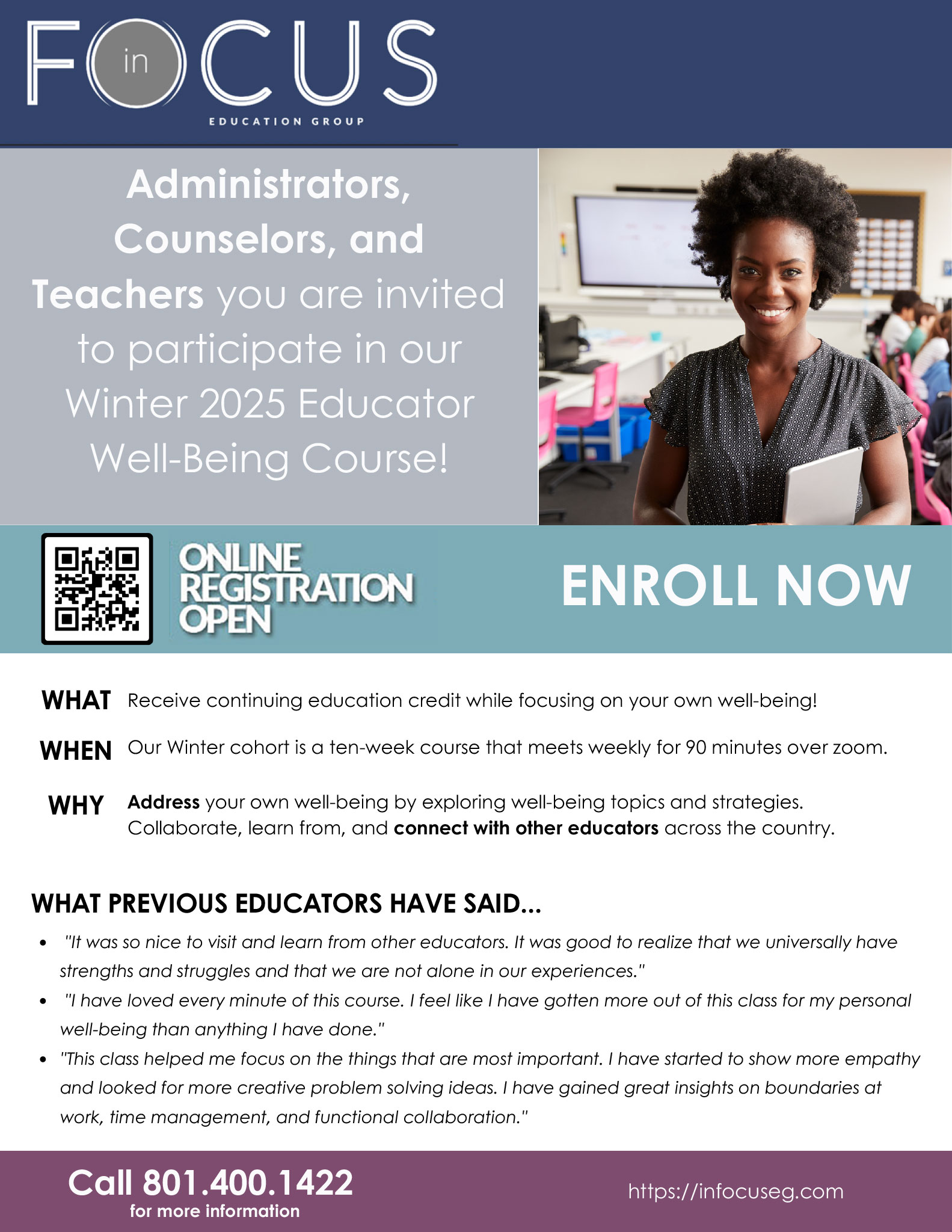
 In Focus Education Group and the Jordan Health & Wellness team would like to invite administrators, counselors, and teachers to participate in a Winter 2025 Educator Well-Being Course. You can receive continuing education credit while focusing on your own well-being! The Winter cohort is a ten-week course that meets weekly for 90 minutes over zoom. You can address your own well-being by exploring well-being topics and strategies. Collaborate, learn from, and connect with other educators across the country.
What Previous Educators Have Said...
- "It was so nice to visit and learn from other educators. It was good to realize that we universally have strengths and struggles and that we are not alone in our experiences."
- "I have loved every minute of this course. I feel like I have gotten more out of this class for my personal well-being than anything I have done."
- "This class helped me focus on the things that are most important. I have started to show more empathy and looked for more creative problem solving ideas. I have gained great insights on boundaries at work, time management, and functional collaboration."
 The
The 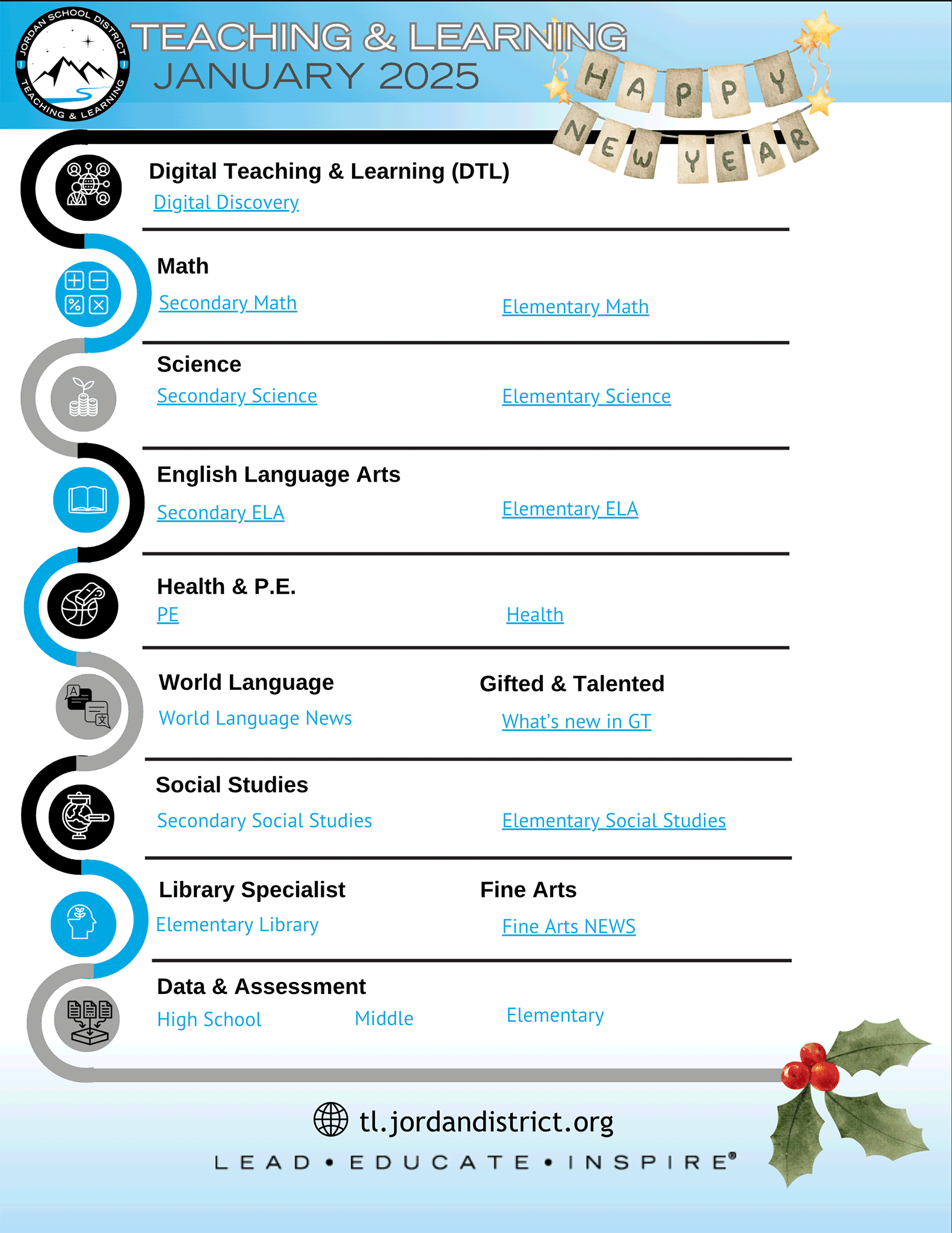
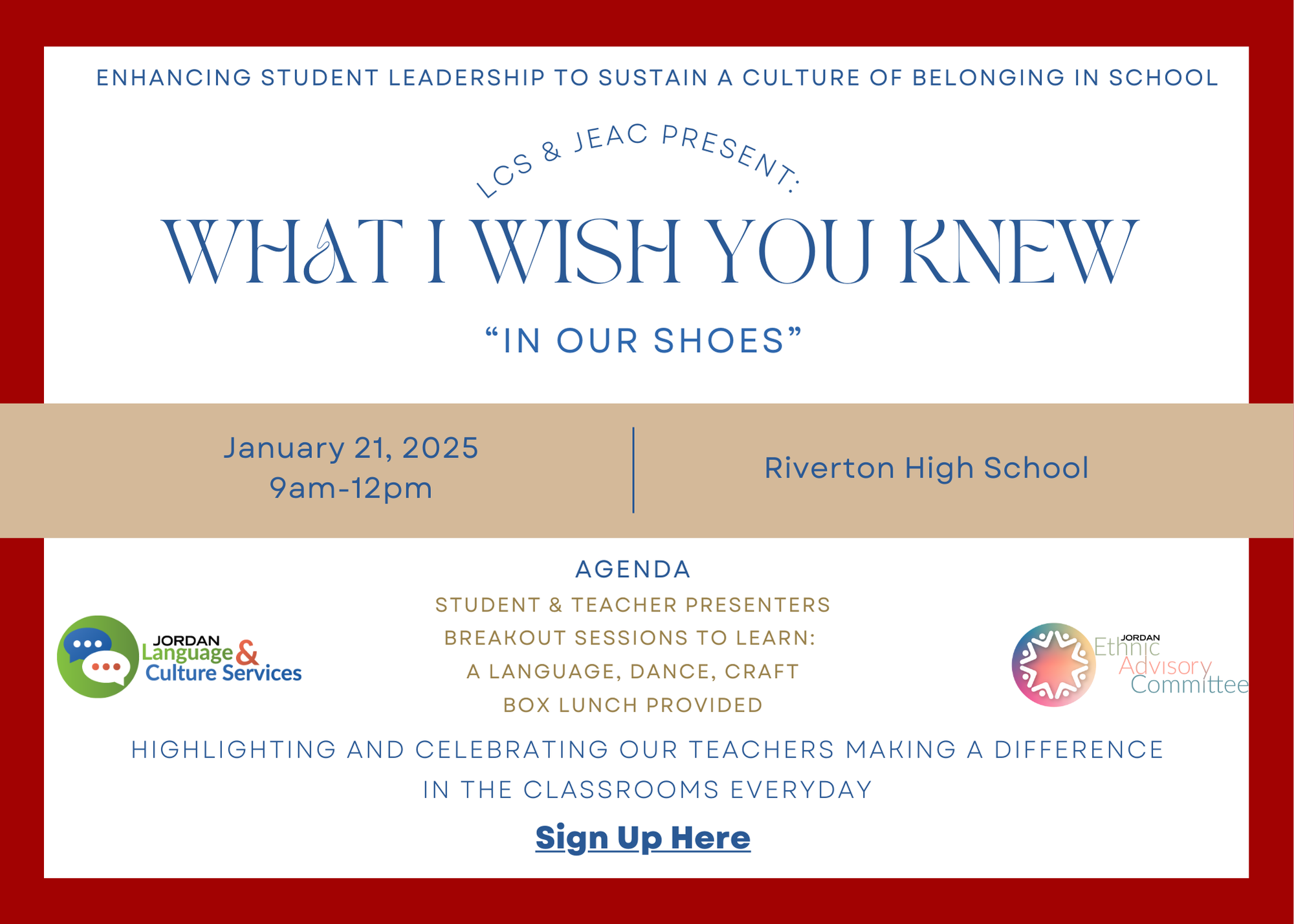
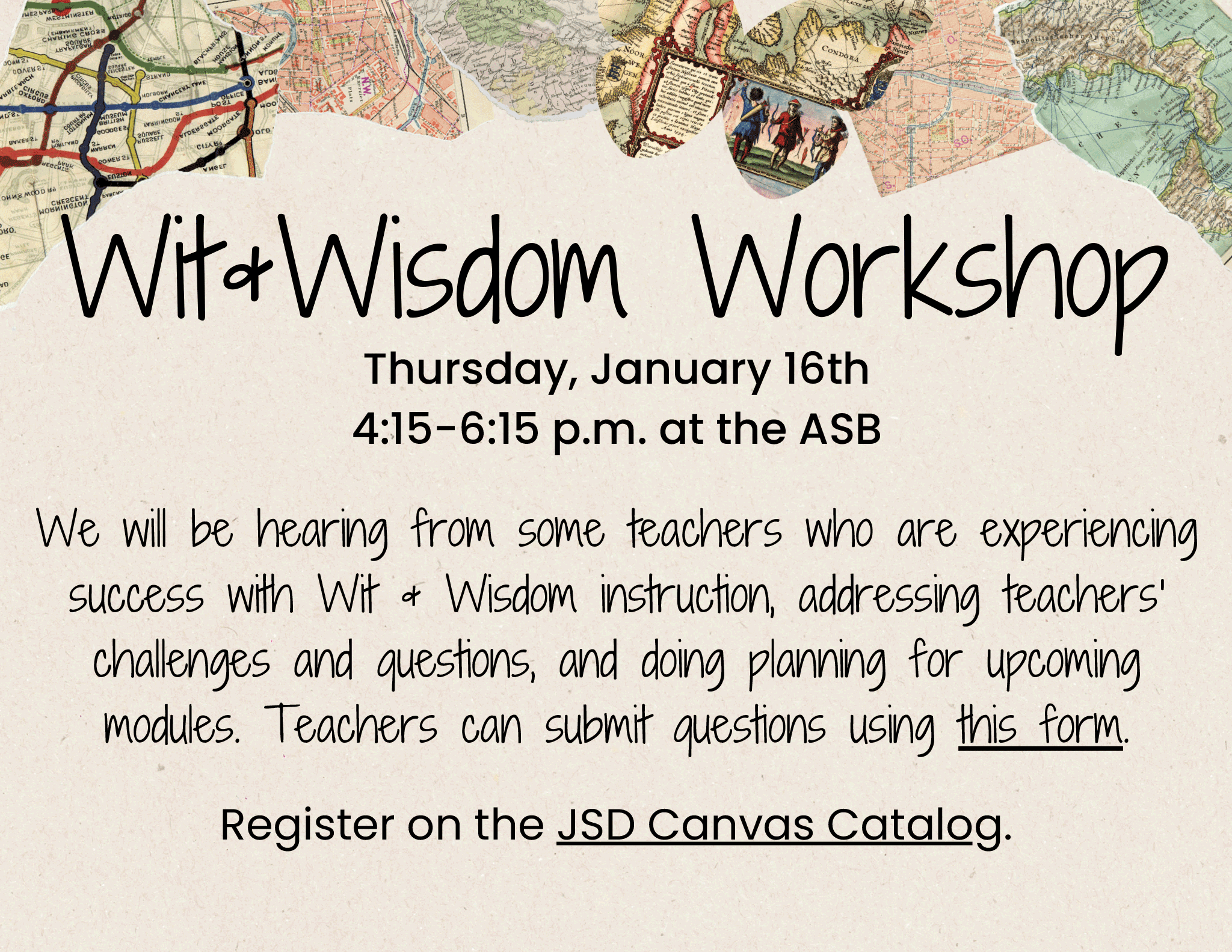

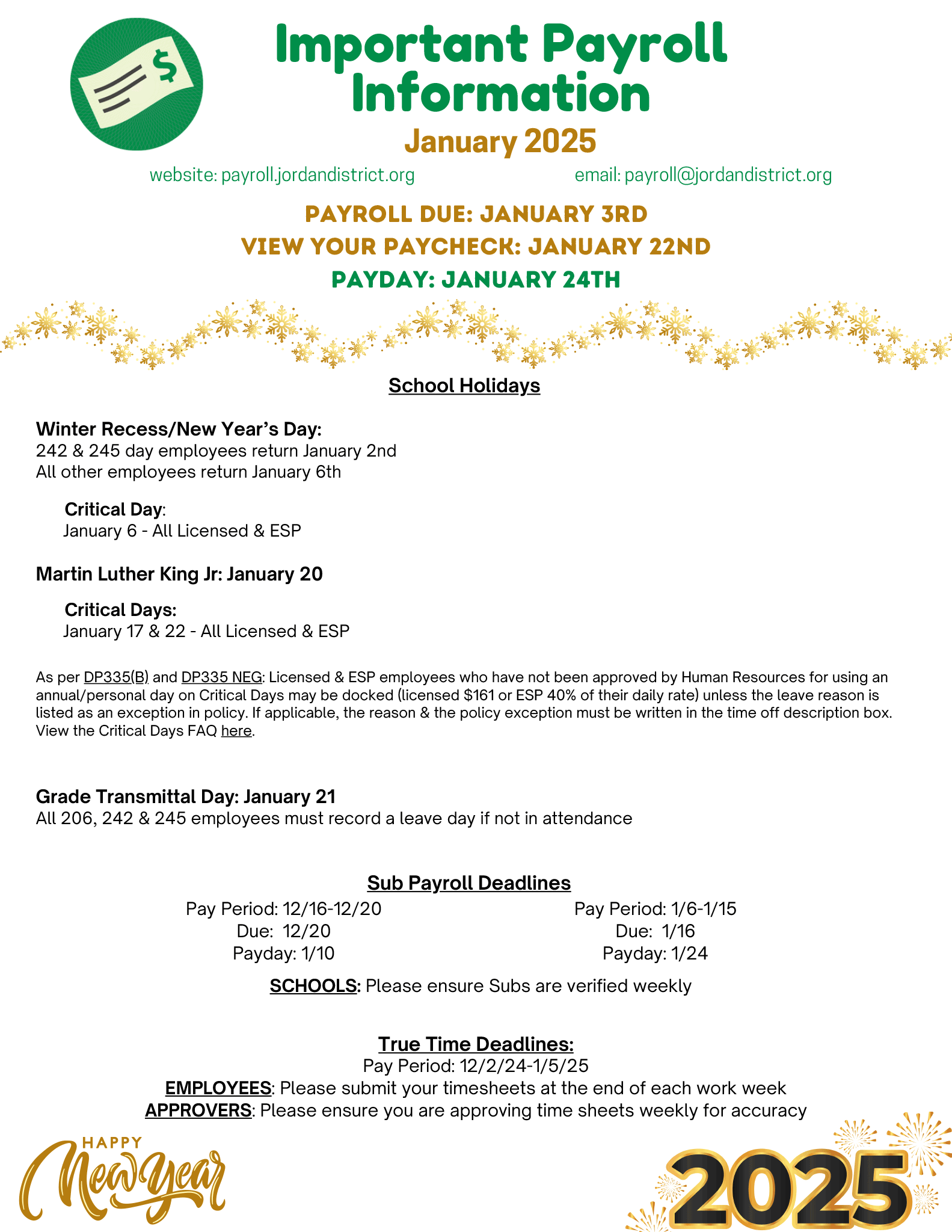
 The District Office will be closing for Winter Recess at the end of the day on Monday, Dec. 23 and will not return until Thursday, Jan. 2. To avoid any delays in receiving your paycheck during this break, the Payroll Department is making the following recommendations: